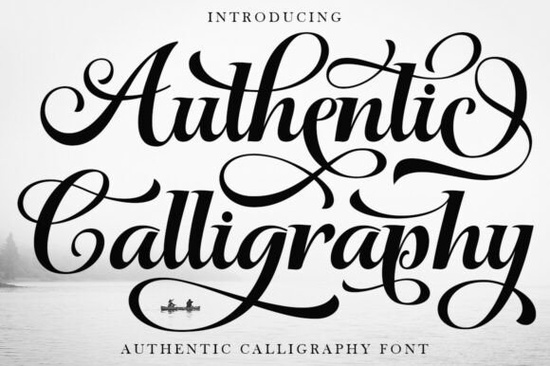
If you're looking for a script font that feels handwritten not just “designed to look handwritten” the Authentic Calligraphy Font is worth your attention. It’s not a digital imitation with uniform spacing and predictable curves. Instead, it captures the subtle pressure shifts, tapered entry strokes, and expressive flourishes of real ink on paper. That makes it especially useful if you’re designing wedding invitations, boutique product labels, or brand identities where warmth and intention matter more than perfection.
What makes this font feel authentic?
Unlike many script fonts that rely on tight kerning and repeated letterforms, Authentic Calligraphy Font uses high-contrast stroke weights and organic rhythm thick downstrokes, hairline upstrokes, and graceful exits that vary naturally from one word to the next. The PUA encoding means all alternate characters, swashes, and ligatures are accessible without special software or OpenType features. You don’t need design expertise to access the most elegant version of “Emma” or “Bloom & Vine” just type and select from the glyph panel (or use a compatible editor like Affinity Designer or recent versions of Canva).
Where does it work best and where might it fall short?
This isn’t a font for body text or small captions. Its strength lies in large-scale, intentional use: monogrammed wine labels, engraved-style business cards, or hand-lettered quotes on greeting cards. It shines when given room to breathe pair it with a clean, wide-tracked sans-serif like Montserrat or Inter for contrast. You’ll see this same principle in other popular script fonts like Cardeals Font, which balances elegance with readability, or Princess Party Font, built for festive but refined event branding.
It’s less ideal for fast-turnaround POD listings where speed matters more than nuance or for projects requiring multilingual support beyond basic Latin characters. If you regularly design classroom resources or kids’ activity sheets, you’ll likely prefer something looser and more playful, like fonts in our classroom font collection. For everyday journaling or quick social media graphics, a relaxed option like those in free-flow handwriting fonts may suit better.
How to get the most out of its design details
- Use swashes sparingly: One dramatic exit stroke per headline is enough more can distract rather than delight.
- Adjust tracking manually: Even slight extra space between letters helps prevent visual crowding, especially in all-caps settings.
- Test print at actual size: On-screen previews often soften fine details; a physical proof reveals how well the thin strokes hold up on your chosen paper stock.
- Try layering: Place the font in a light gray behind a bolder version (or even a solid color fill) to create subtle depth great for foil-stamped effects on invites.
You’ll find similar craftsmanship in fonts designed for romantic or luxury contexts, like those featured in our curated script fonts section. But what sets this one apart is its restraint it avoids over-decoration while still feeling deeply personal. That balance is why designers working on artisanal soap labels, small-batch coffee packaging, or custom vow books return to it again and again.
Keep in mind: authenticity here isn’t about mimicking historical calligraphy tools (though it nods to them). It’s about communicating care through form how a curve leans, where a stroke ends, how two letters connect. That’s something no algorithm generates convincingly. You’ll notice it most when someone pauses to trace a letter with their finger or when a bride tells you her invitation “felt like it was written just for her.”
Before you download: Check that your editing software supports PUA-encoded fonts (most do, but older versions of Cricut Design Space or Silhouette Studio may require manual glyph insertion). Save a test file with your top three swash options, then step away for an hour come back and see which version still feels right. Often, the simplest variation reads as the most confident.
Learn More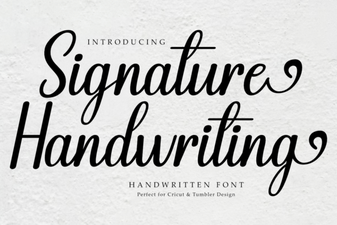 Signature Handwriting Font for Creative Projects
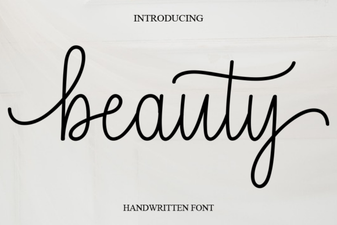 Beauty Fonts: Creative Design Ideas & Tips
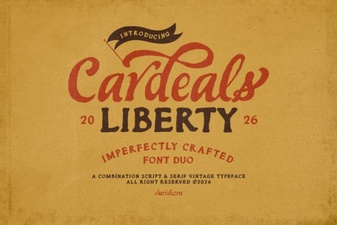 Cardeals Font: Creative Design & Practical Use
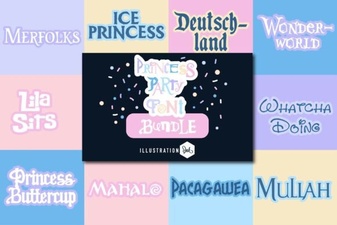 Princess Party Font: Elegant & Playful Design Ideas
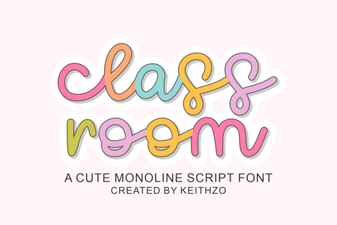 Creative Classroom Fonts for Engaging Learning Spaces
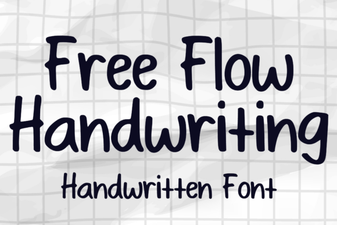 Free Flow Handwriting Font for Creative Projects